
AI Agents for Construction Project Management: A Practical Guide
How AI agents and copilots help construction project managers query progress, enforce safety and quality checks, and close defects automatically, with human sign-off.
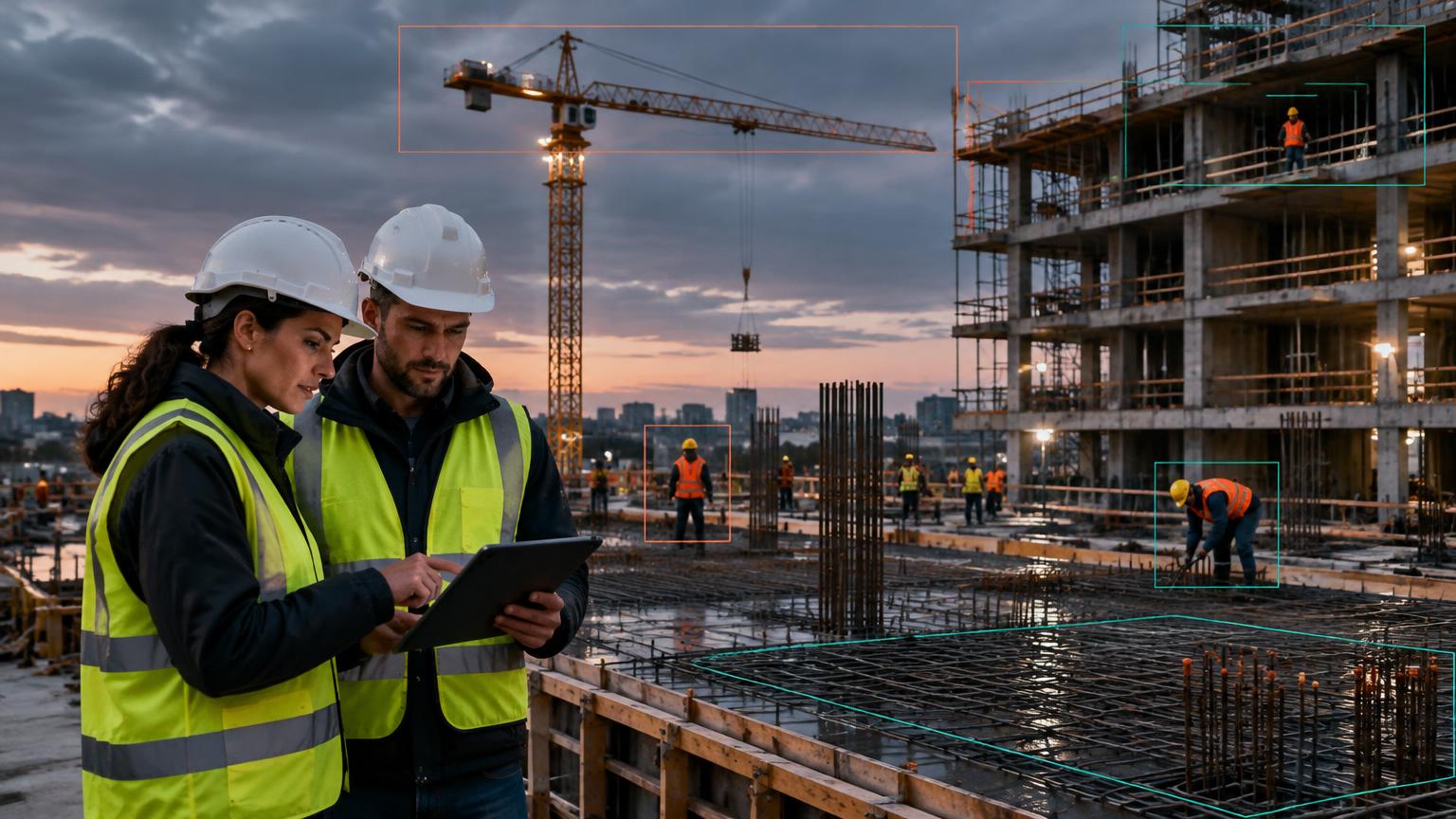
AI agents for construction project management are software agents that read site data from 360° walks, fixed cameras and inspection apps, compare it with the BIM model and schedule, and then answer questions or act on what they find. A copilot answers a project manager’s questions. An agent goes further: it watches critical processes continuously and triggers the next step, such as an alert, a non-conformance report (NCR) or a report, with a person approving anything consequential.
Why dashboards are not enough
Most construction AI so far has been about visibility. A 360° walk or a camera feed becomes a dashboard, and someone still has to look at it, interpret it, and chase the follow-up. On a busy site, that someone is usually the project manager, and the dashboard becomes one more screen to check.
The gap is between knowing and doing. A dashboard can show that slab work on Level 5 is behind. It cannot hold the pour until the rebar check is complete, remind the subcontractor, and update the weekly report. Agents close that gap.
The Ask, Watch, Act framework
We describe agentic construction software in three levels. Each one builds on the last.
Ask
Answers plain-language questions about the project.
“Which work fronts on Tower B are behind programme this week?”
Project managers · Planners
Watch
Monitors critical processes continuously against rules.
Flags a critical-path activity trending late two weeks before it slips.
Project directors · HSE · QA/QC
Act
Takes the next step, with human approval where it matters.
Drafts the weekly report, raises an NCR with photo evidence, or escalates an overdue snag.
Teams chasing follow-ups by hand
How it works on site
01Capture
A site engineer walks the site with a 360° camera on a set route. Fixed cameras on gates, towers and floors run all day. Inspectors log findings on a phone.
02Model
The software maps every image to a location on the drawings and the BIM model, so each observation is tied to a floor, zone and element.
03Compare
Observations are checked against the schedule, the BIM model, permit conditions and inspection checklists.
04Reason
A copilot answers questions using this model. Agents apply rules, such as “no pour sign-off without inspection and test plan (ITP) evidence”.
05Act
Agents send alerts, open tickets and update reports in the tools teams already use: WhatsApp, Microsoft Teams, email, the ERP or Primavera.
Four places agents earn their keep

Progress
Agents turn 360° walks into element-level progress against the BIM model and schedule, and draft the daily and weekly reports.

Safety
Agents check that permit conditions are physically in place before high-risk work starts, and track compliance trends by subcontractor.

Quality
Agents hold pour and ceiling-closure sign-offs until the evidence is complete, and spot repeat defects.
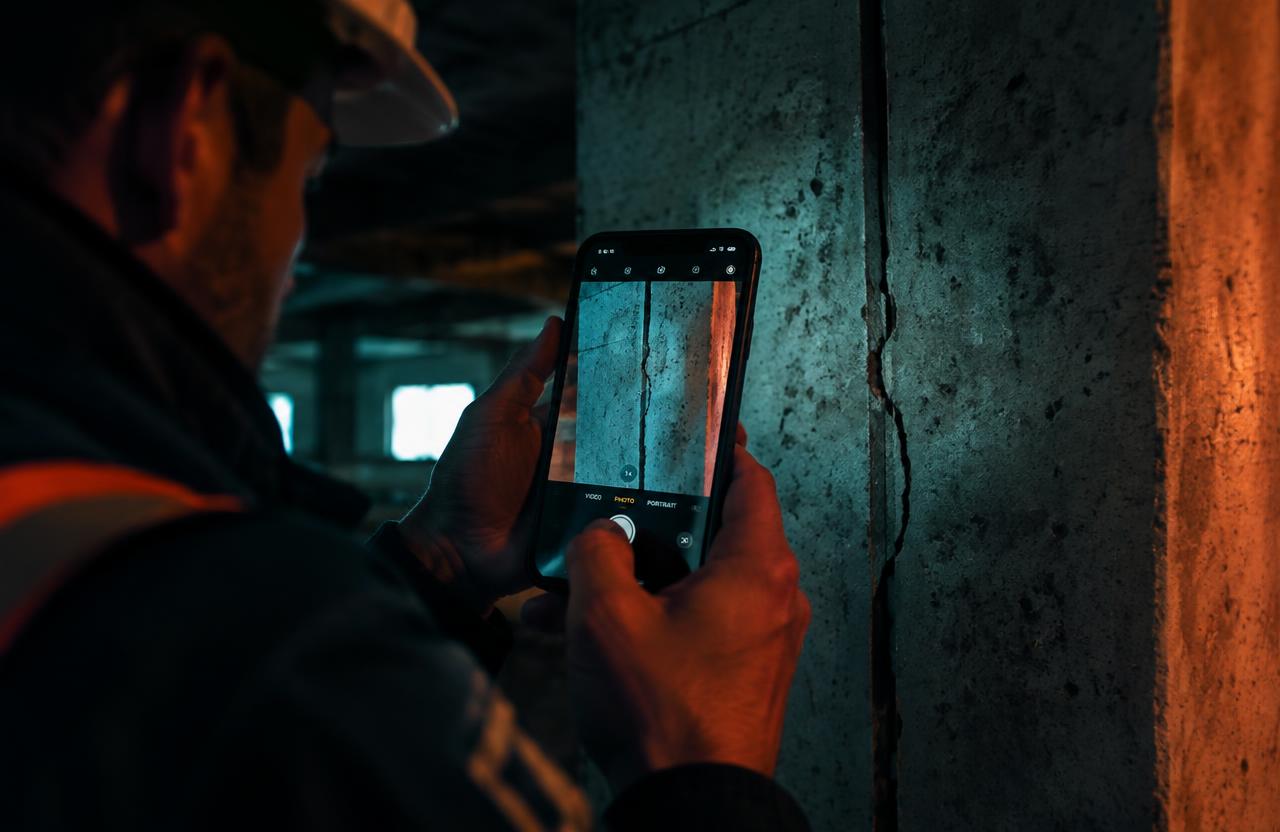
Inspections
Agents chase defect owners, escalate overdue items, and compile handover packs.
Prompt library for project managers
“What slipped against programme this week, and why?”
“Is Level 5 slab cleared for pour?”
“Which subcontractor had the most PPE violations this month?”
“What snags are still open on Block E before handover?”
“Show me the MEP rough-in on Level 7 compared with last Monday.”
Guardrails: agents recommend, people sign off
Construction decisions carry safety, cost and contractual weight, so agentic software needs clear limits.
Agents recommend. People approve. Stopping work, rejecting an inspection or issuing an NCR must remain subject to human sign-off.
- Human approval for anything consequential: stopping work, rejecting an inspection, or issuing an NCR to a subcontractor.
- An audit trail for every agent action, with the image or video clip that triggered it.
- Configurable rules owned by the project team, not hard-coded by the vendor.
- Data control: site footage stays within the client’s agreed environment and is not used to train models without consent.
What to measure
Track a small set of outcomes from the first month:
- Reporting time: hours of project manager time spent on reports each week, compared before and after deployment.
- Safety response: time from an unsafe act to a supervisor alert.
- Defect prevention: defects found before closure versus after handover.
- Inspection closure: average days to close an inspection finding.
How Thinking Stack approaches this
SiteSense by Thinking Stack combines 360° capture, fixed cameras and a mobile inspection app in one site model, with a copilot and agents on top. It is built for sites where reporting still runs on WhatsApp photos and Excel, and it produces reports in the client’s existing formats.
Explore SiteSense for construction →
FAQ
What is the difference between a construction copilot and a construction AI agent?
A copilot answers questions when asked. An agent monitors processes continuously and takes the next step, such as raising an alert or drafting a report, usually with human approval.
Do AI agents replace project managers?
No. They remove the manual work of compiling reports and chasing follow-ups, so project managers spend more time on decisions and coordination.
Do I need a BIM model to use construction AI agents?
BIM improves element-level progress and quality checks, but safety monitoring, inspections and reporting agents work from drawings and camera data alone.